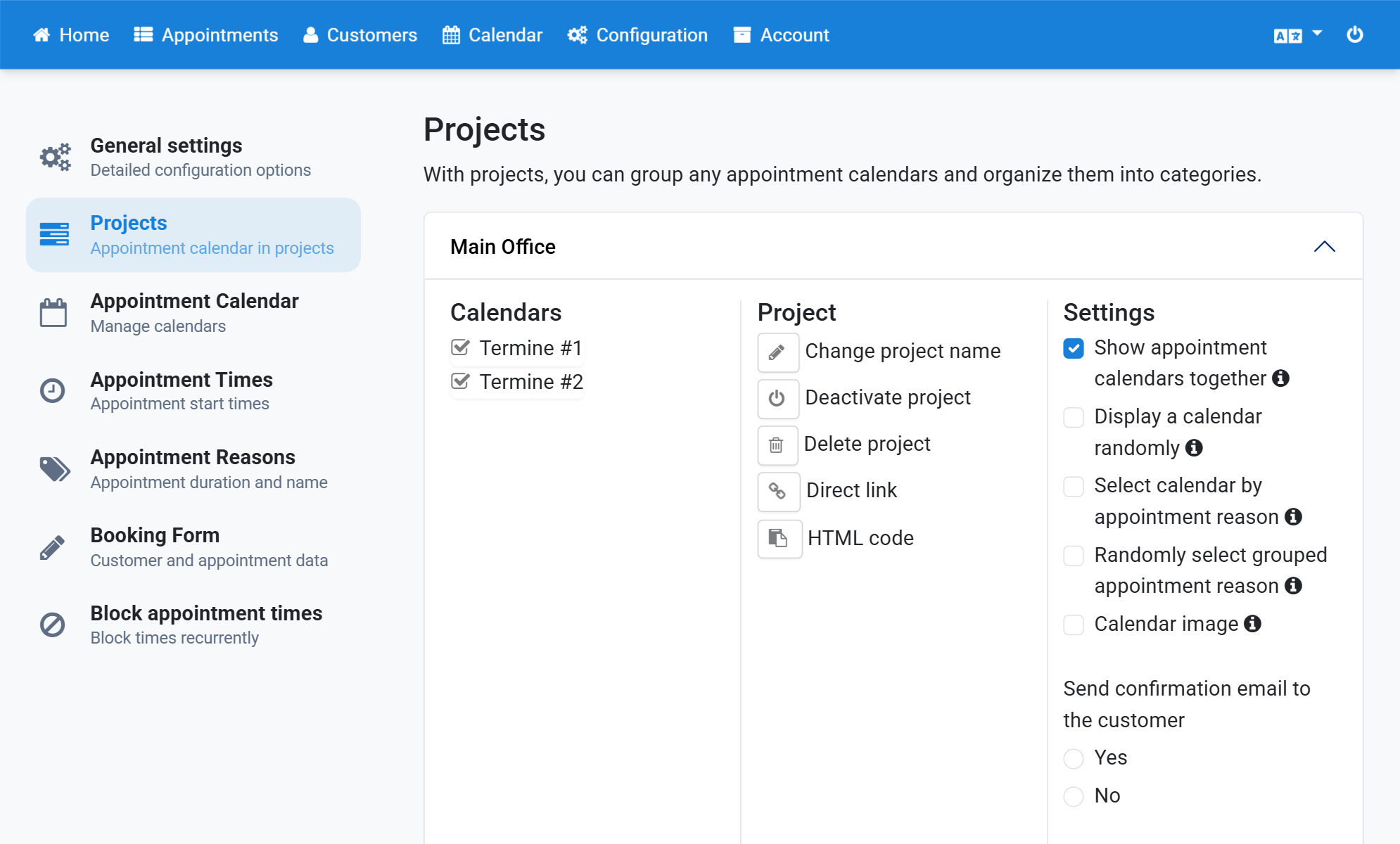
Display One Calendar of a Project at Random
Instead of showing all calendars in the calendar view, only one calendar is offered. This spares the customer the choice. It is useful when it does not matter to the customer which calendar the appointment is booked in. The appointments are spread evenly across all calendars.
- Click Configuration in the navigation bar.
- Click Projects in the subnavigation bar.
- Click the project.
- Tick Show appointment calendars together.
- Tick Display a calendar randomly.
Screenshots
Click Configuration in the navigation bar
1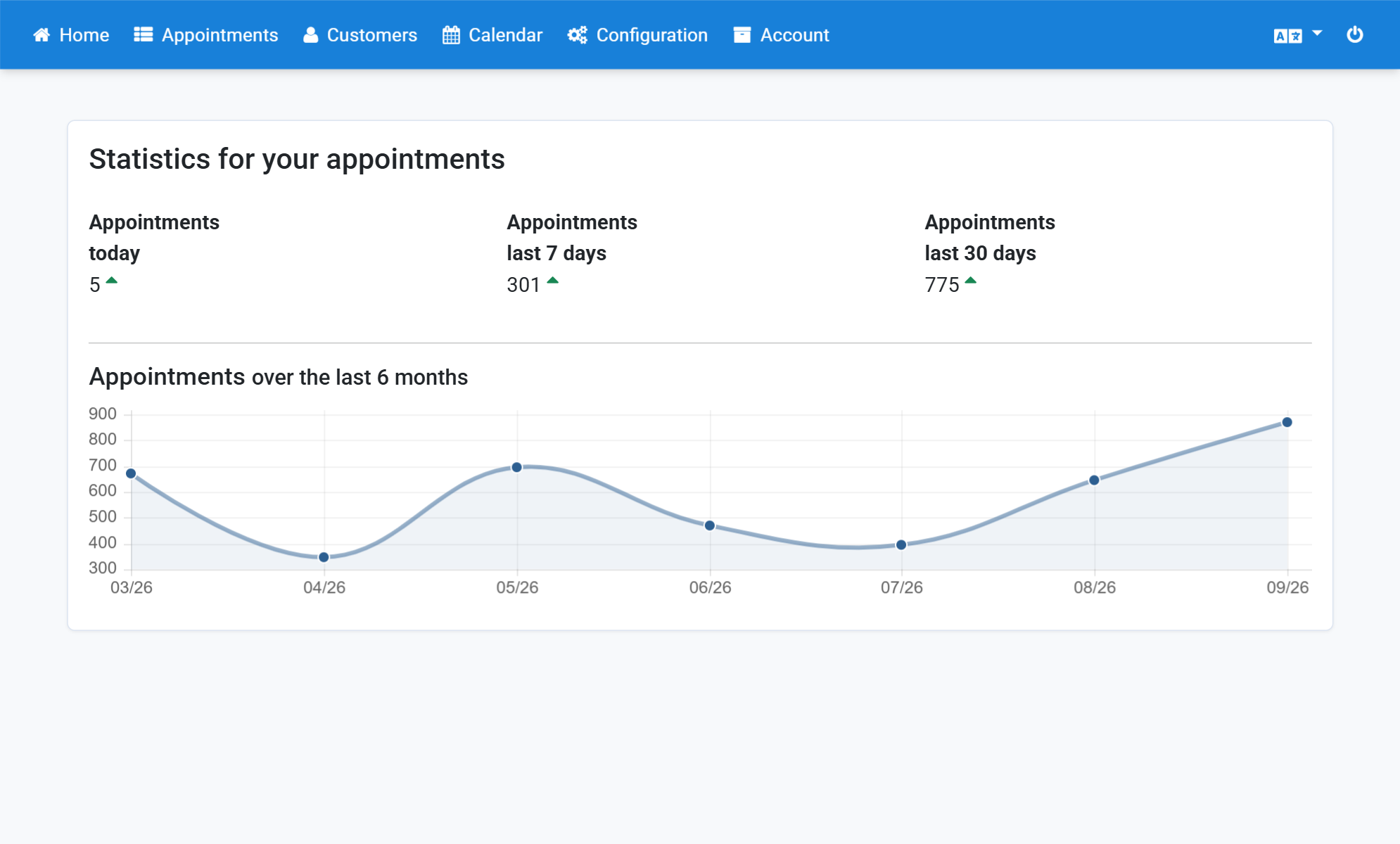
Click Projects in the subnavigation bar
2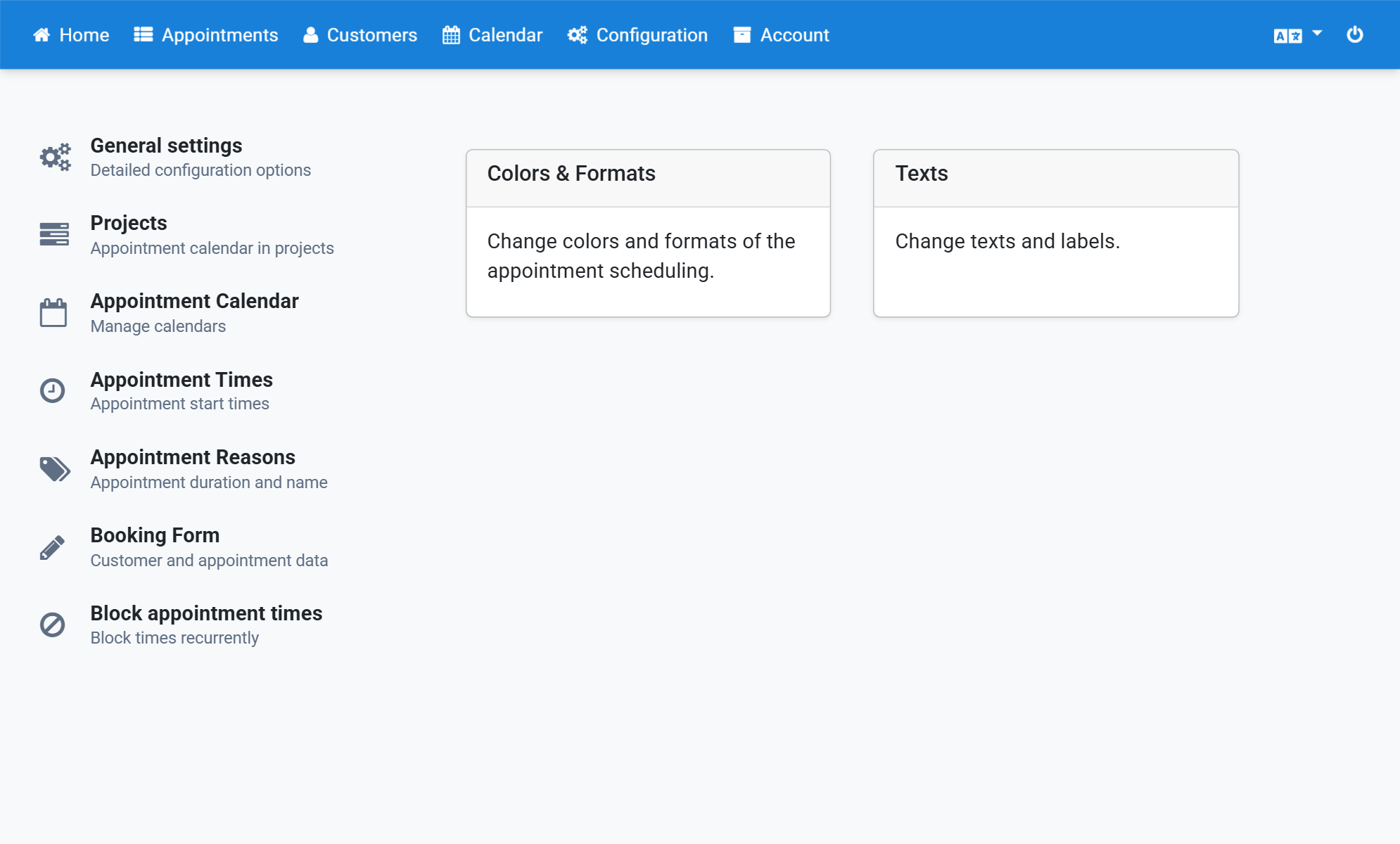
Click the project
3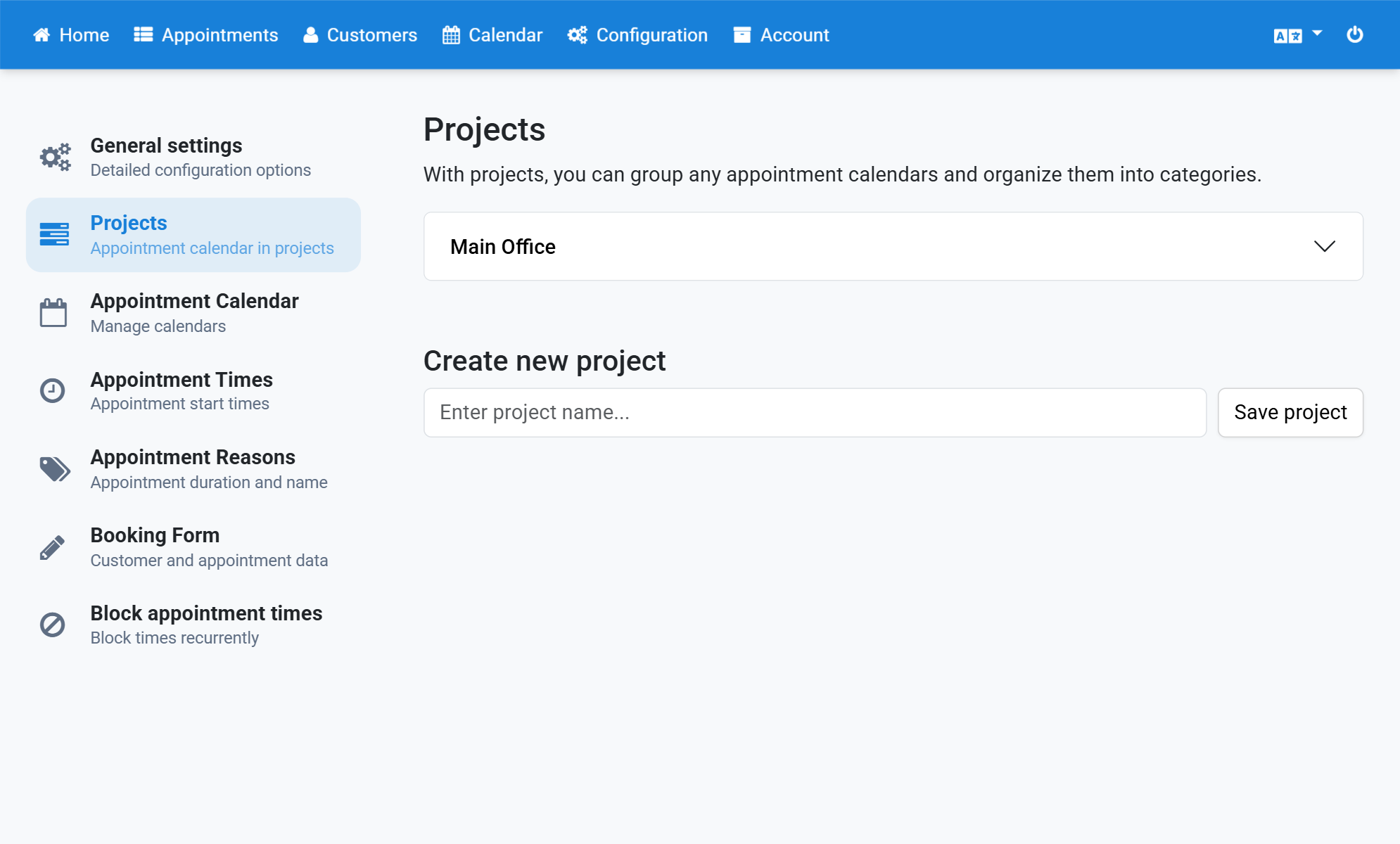
Tick Show appointment calendars together
4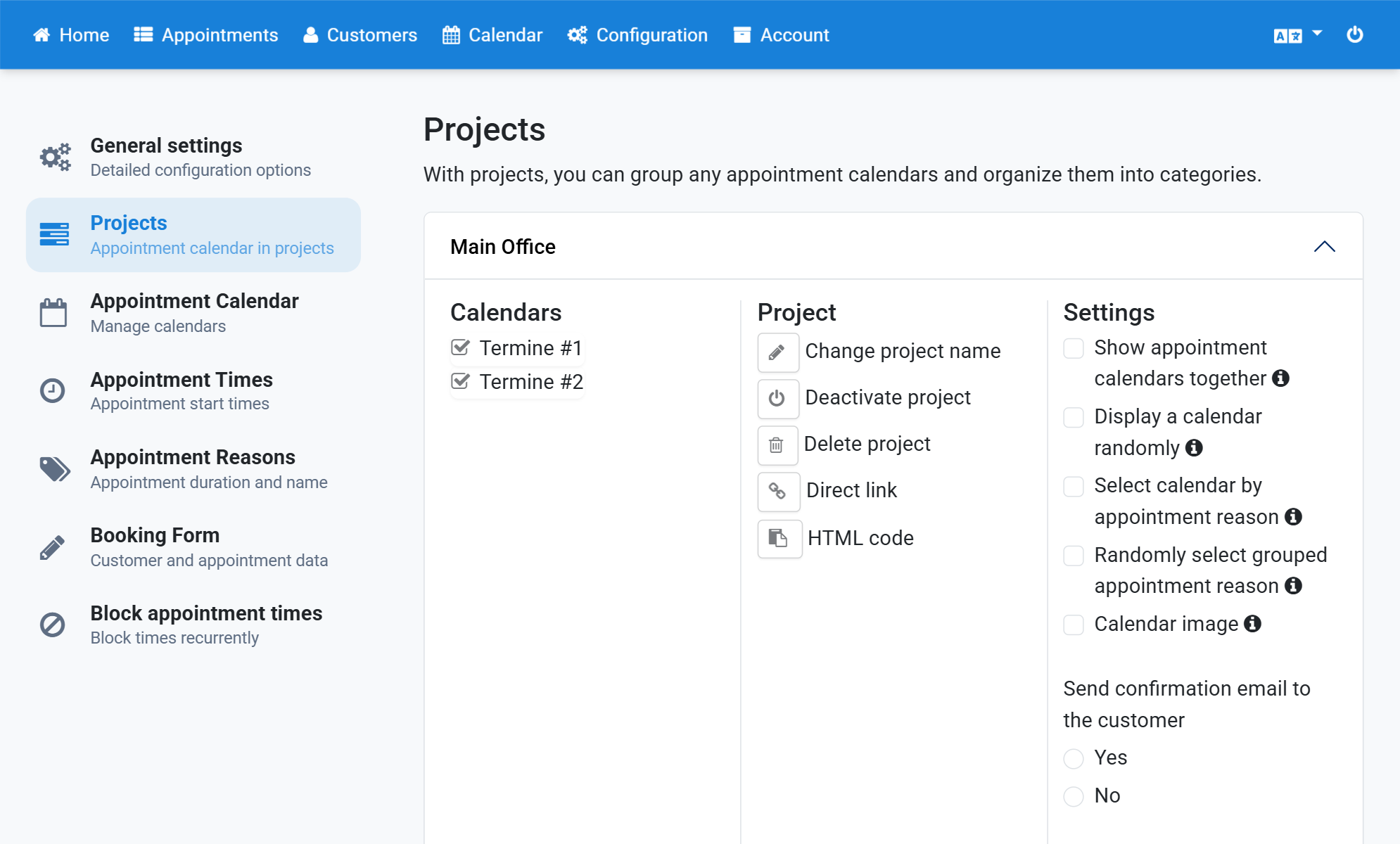
Tick Display a calendar randomly
5