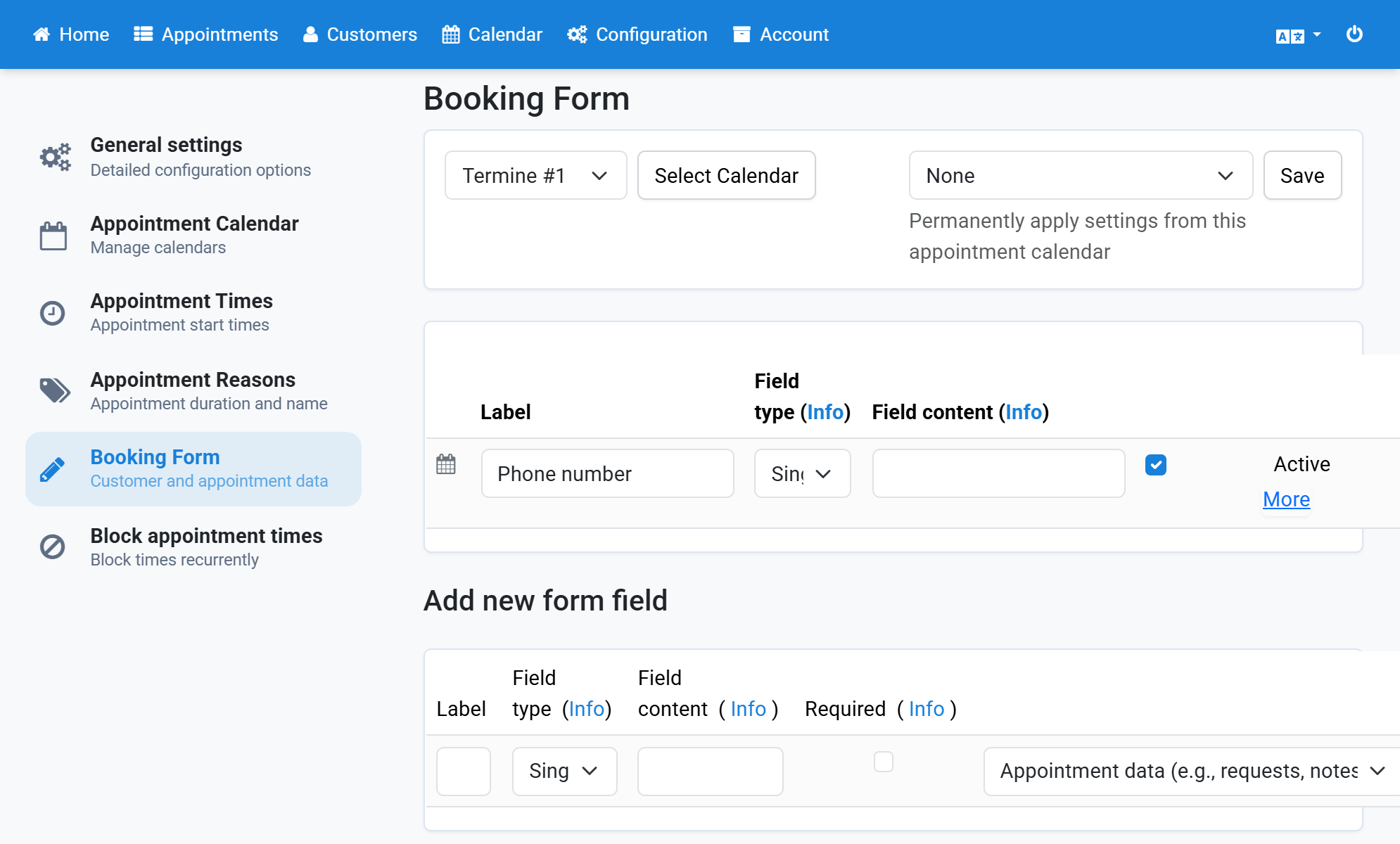
Delete Form Field
- Click Configuration in the navigation bar.
- Click Booking Form in the subnavigation bar.
- All previously created form fields are listed here.
- Click Delete next to the field you want to delete.
- Confirm that you want to delete the form field.
- The form field is no longer in the list.
Screenshots
Click Configuration in the navigation bar
1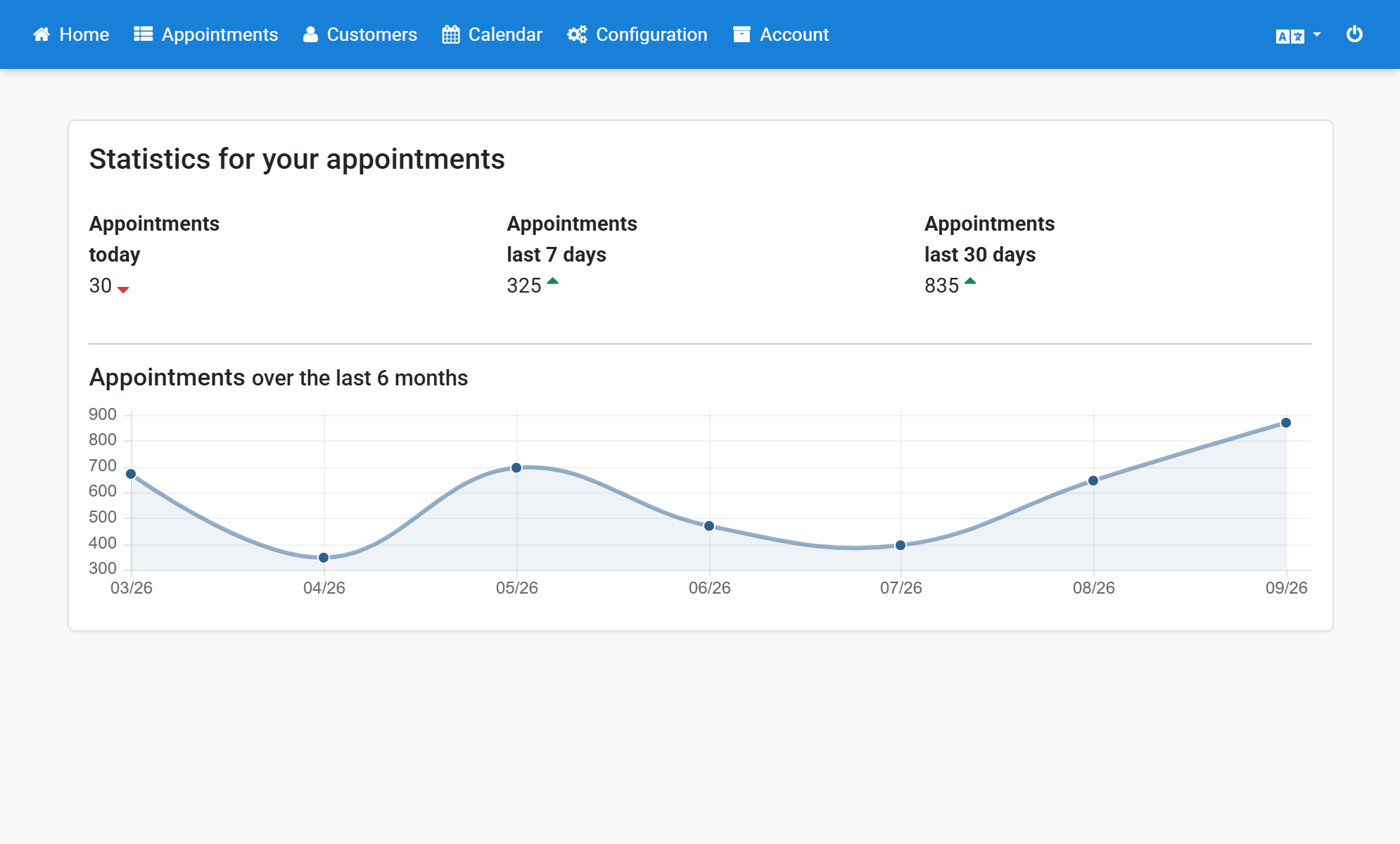
Click Booking Form in the subnavigation bar
2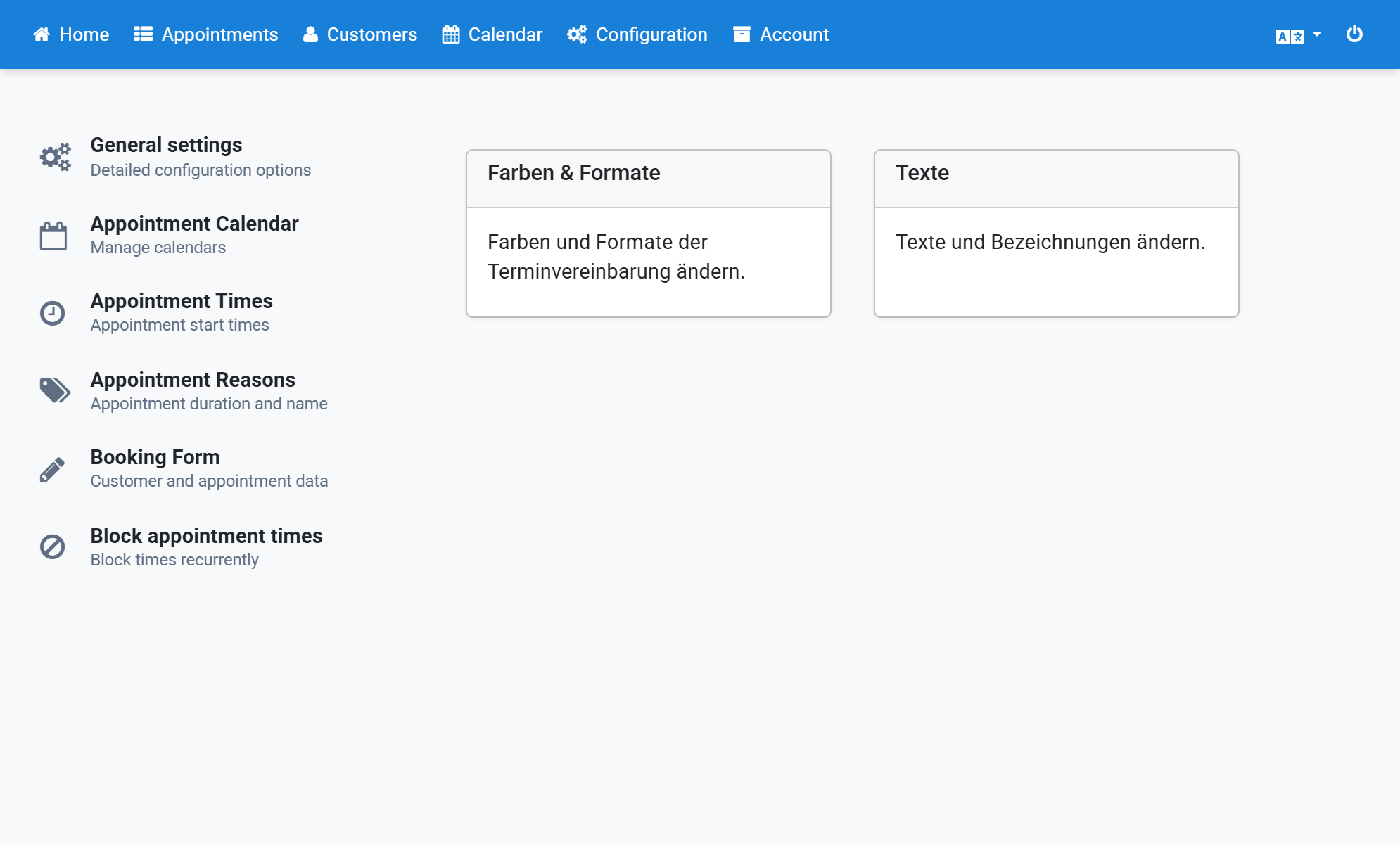
All previously created form fields are listed here
3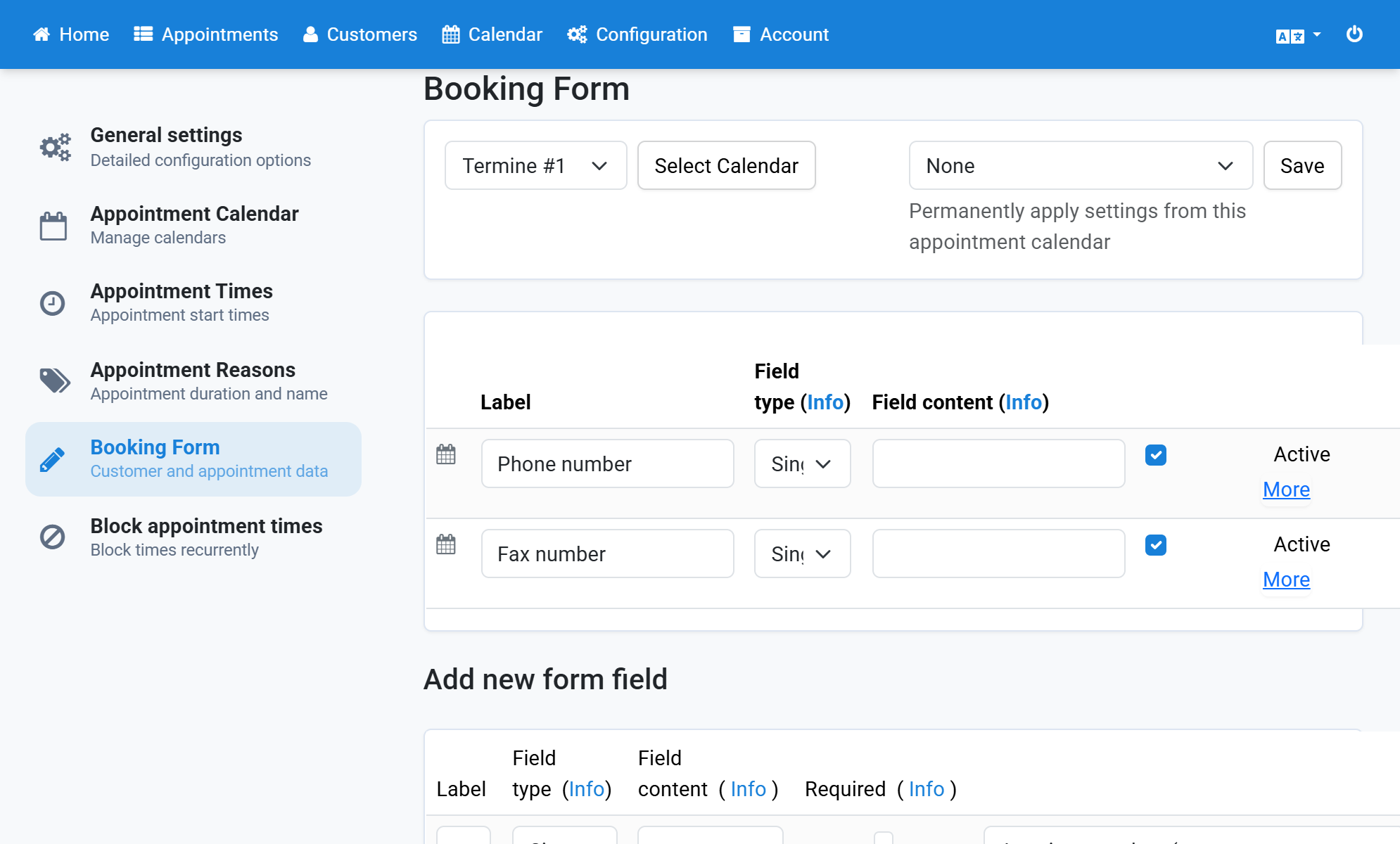
Click Delete next to the field you want to delete
4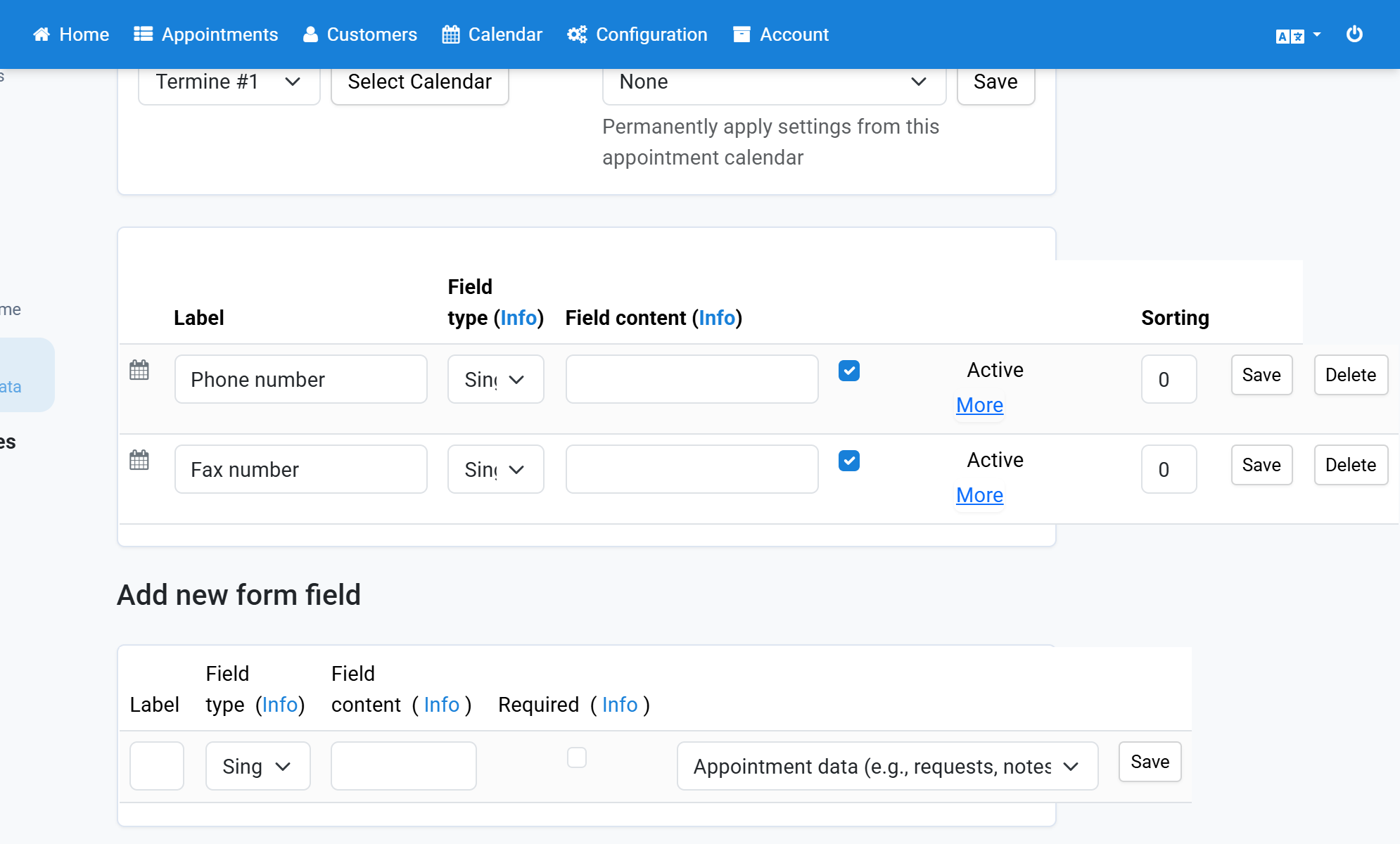
Confirm that you want to delete the form field
5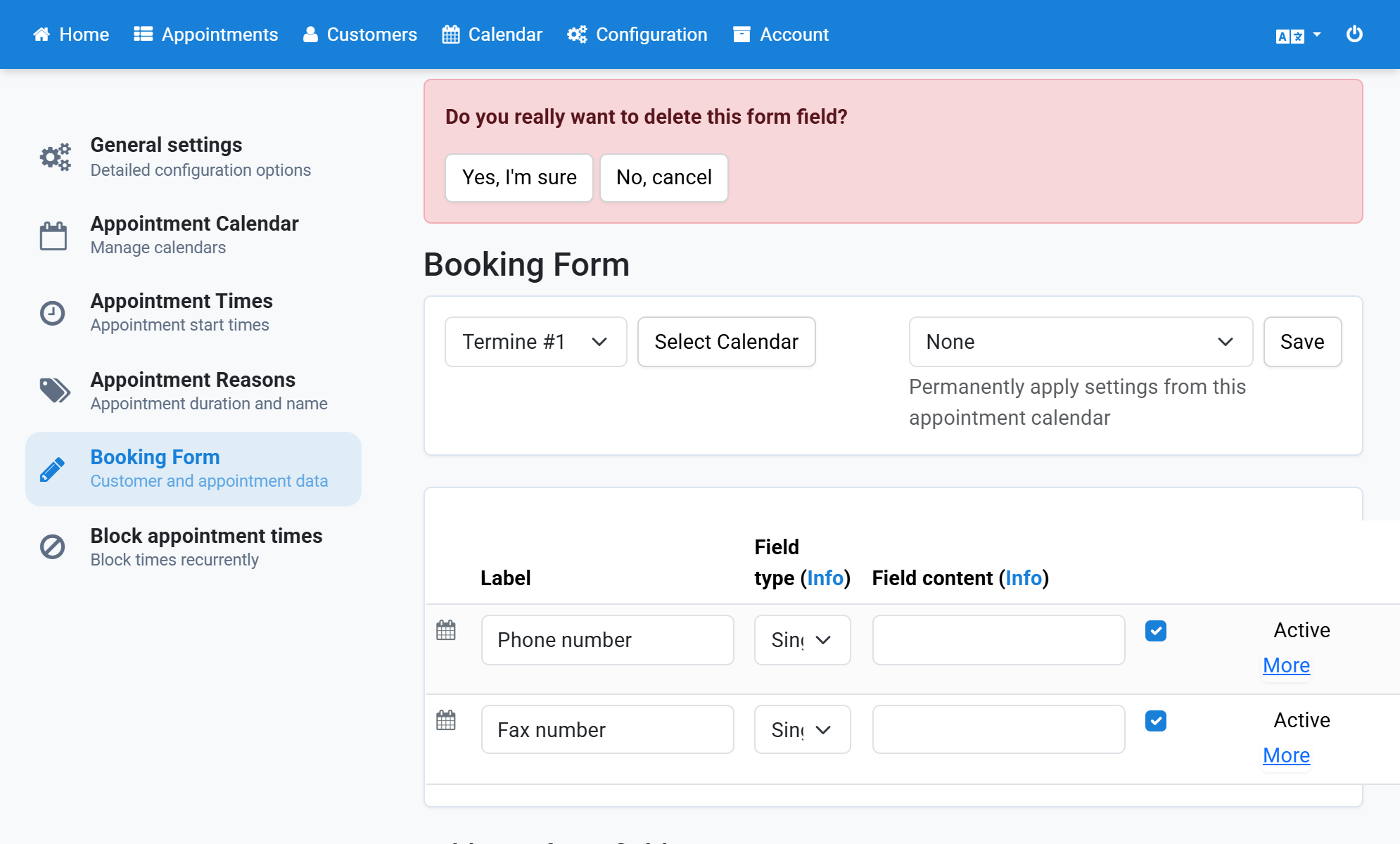
The form field is no longer in the list
6