Delete Administrative Appointments
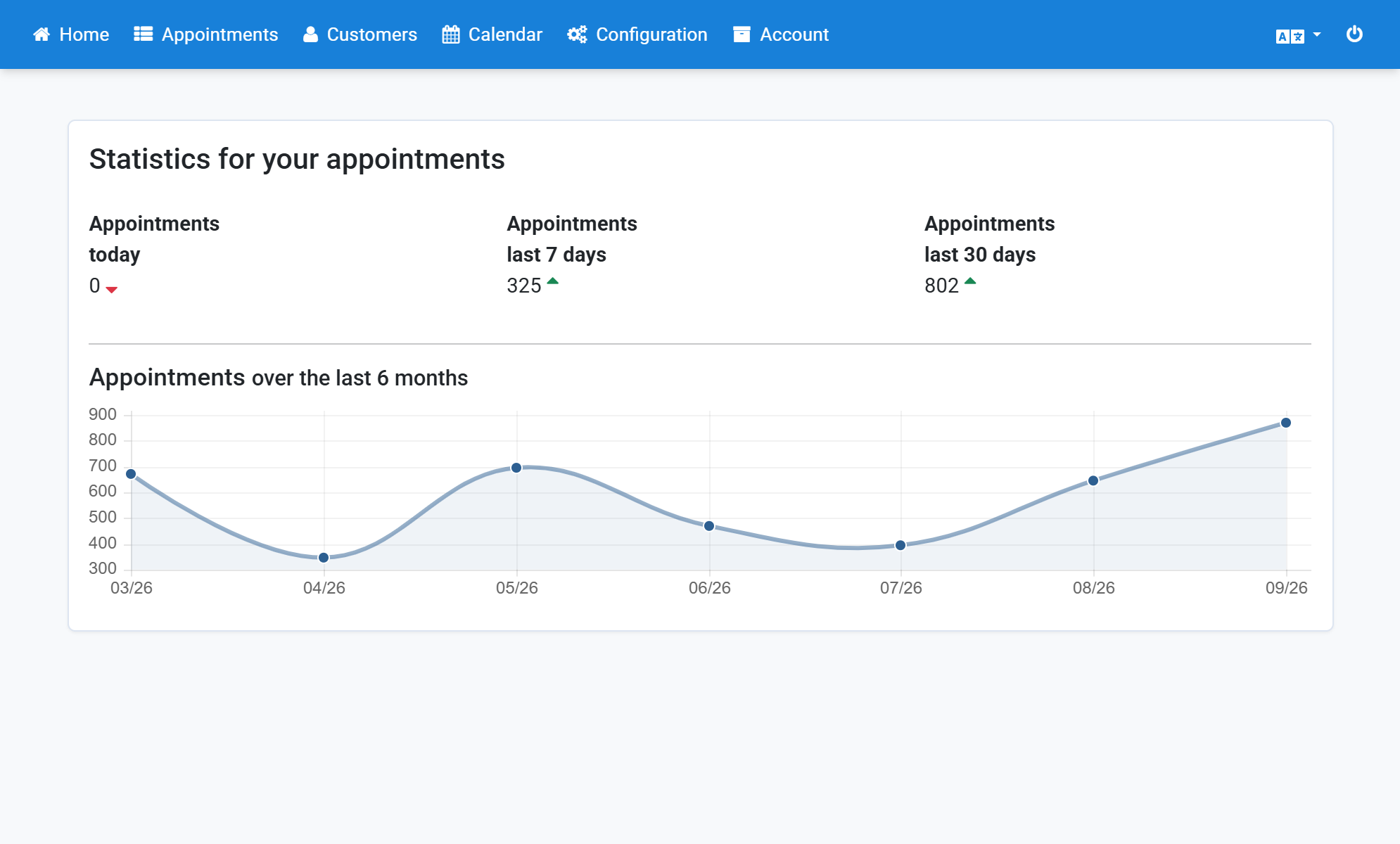
- Click Appointments in the navigation bar.
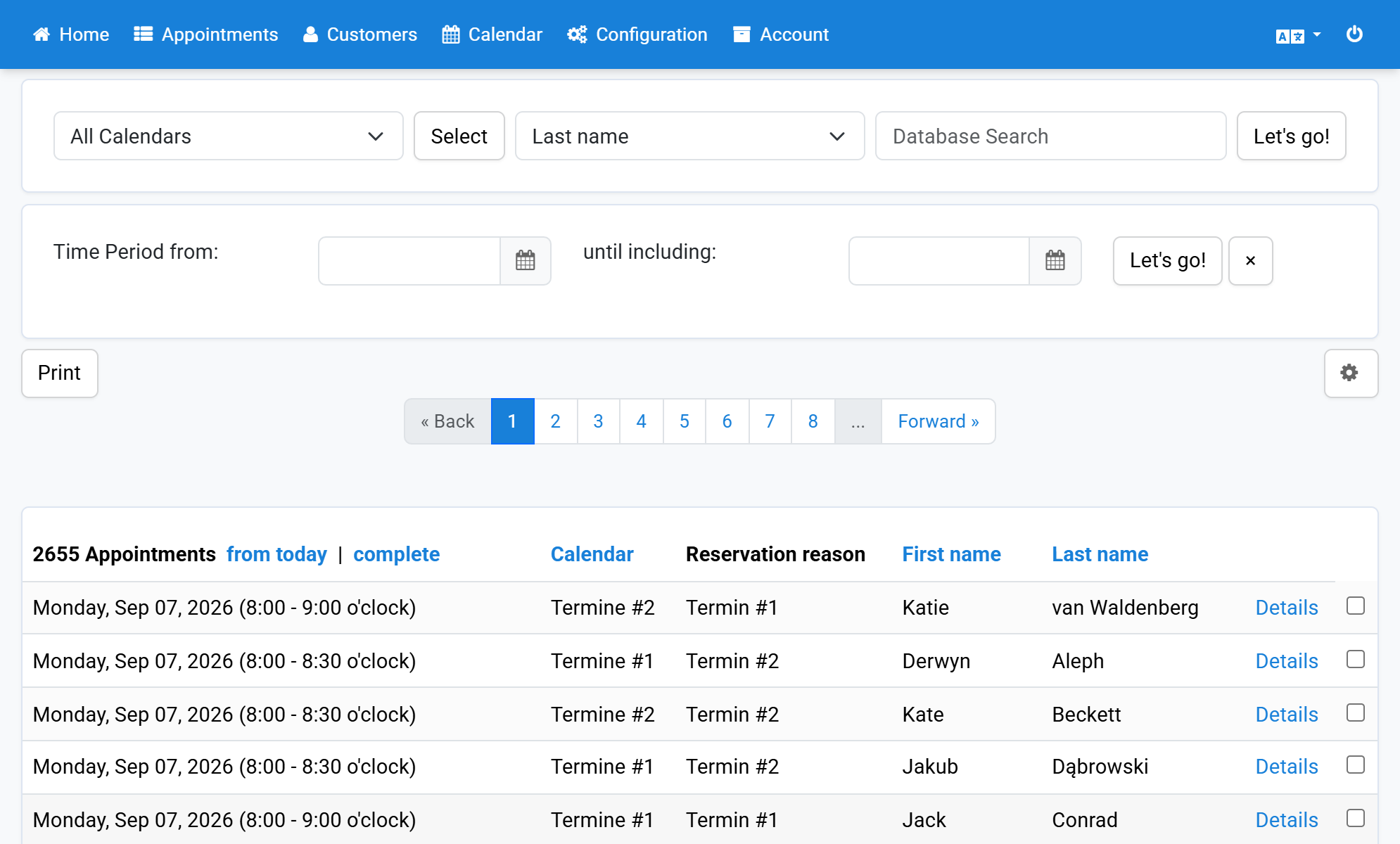
- Click complete in the header of the appointment list.
- The appointments you are looking for are marked with the word Weekly.
- Select the appointments to delete by ticking the box on the right.
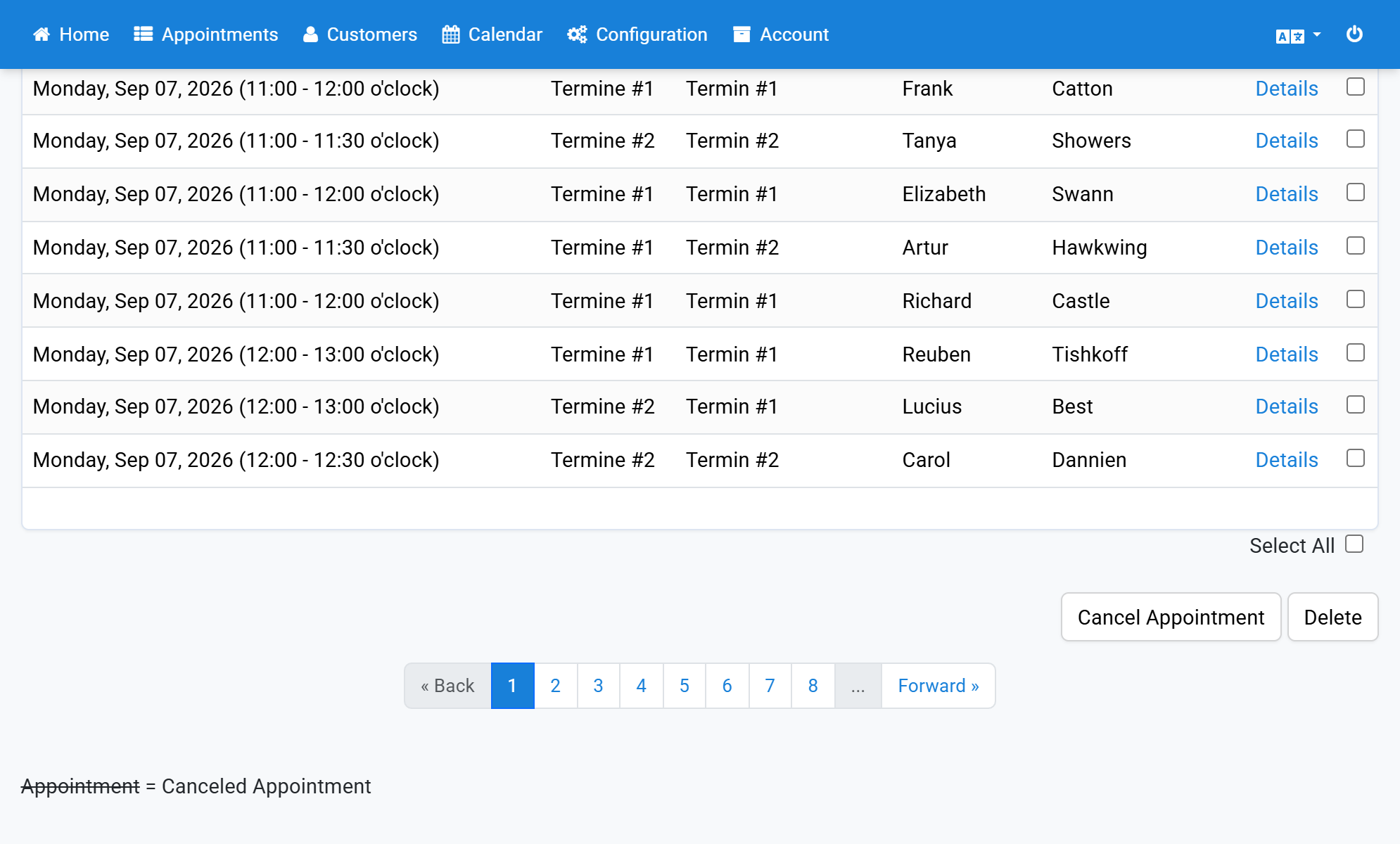
- Scroll down to the very bottom and click Delete.
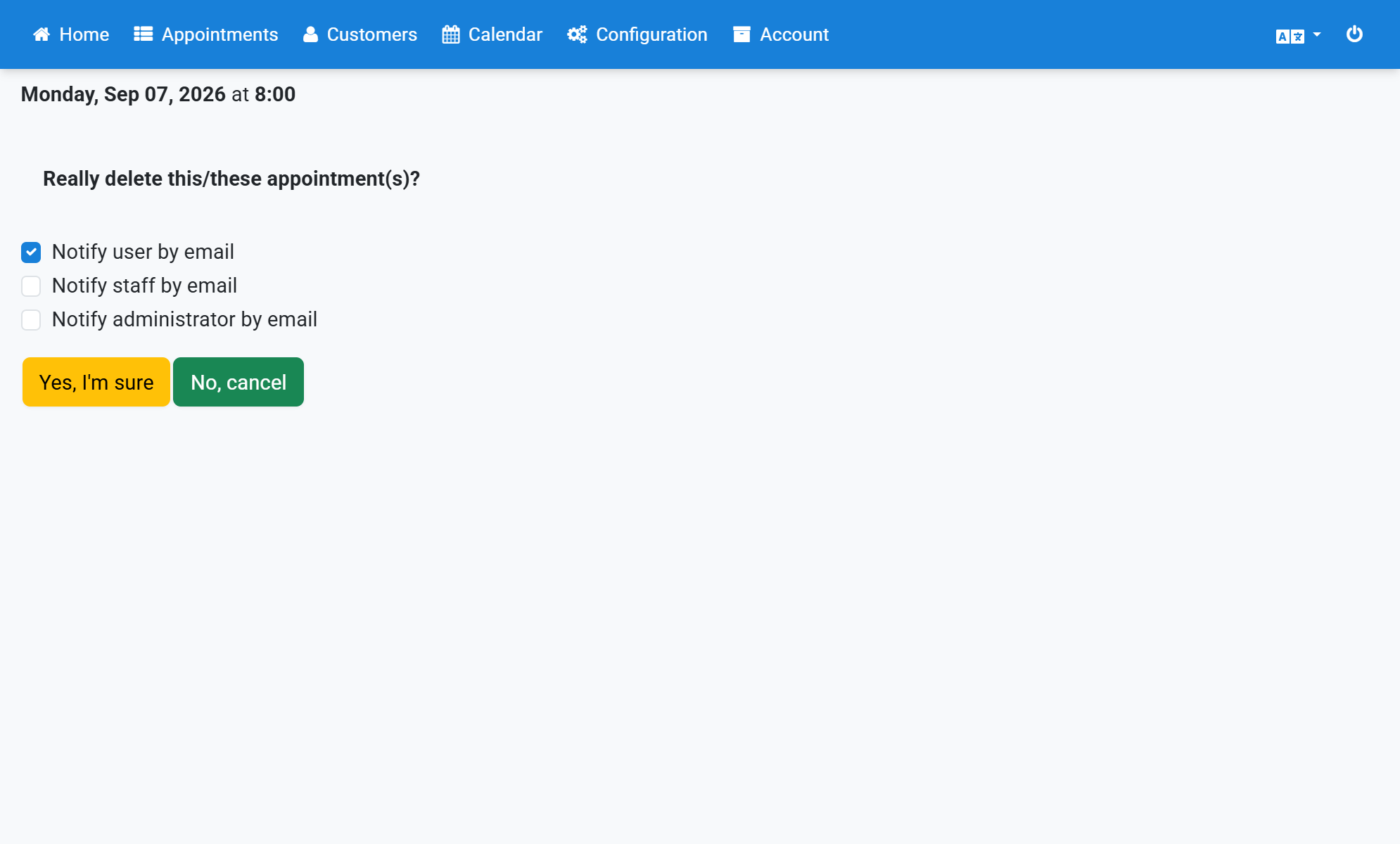
- Click Yes, I am sure.
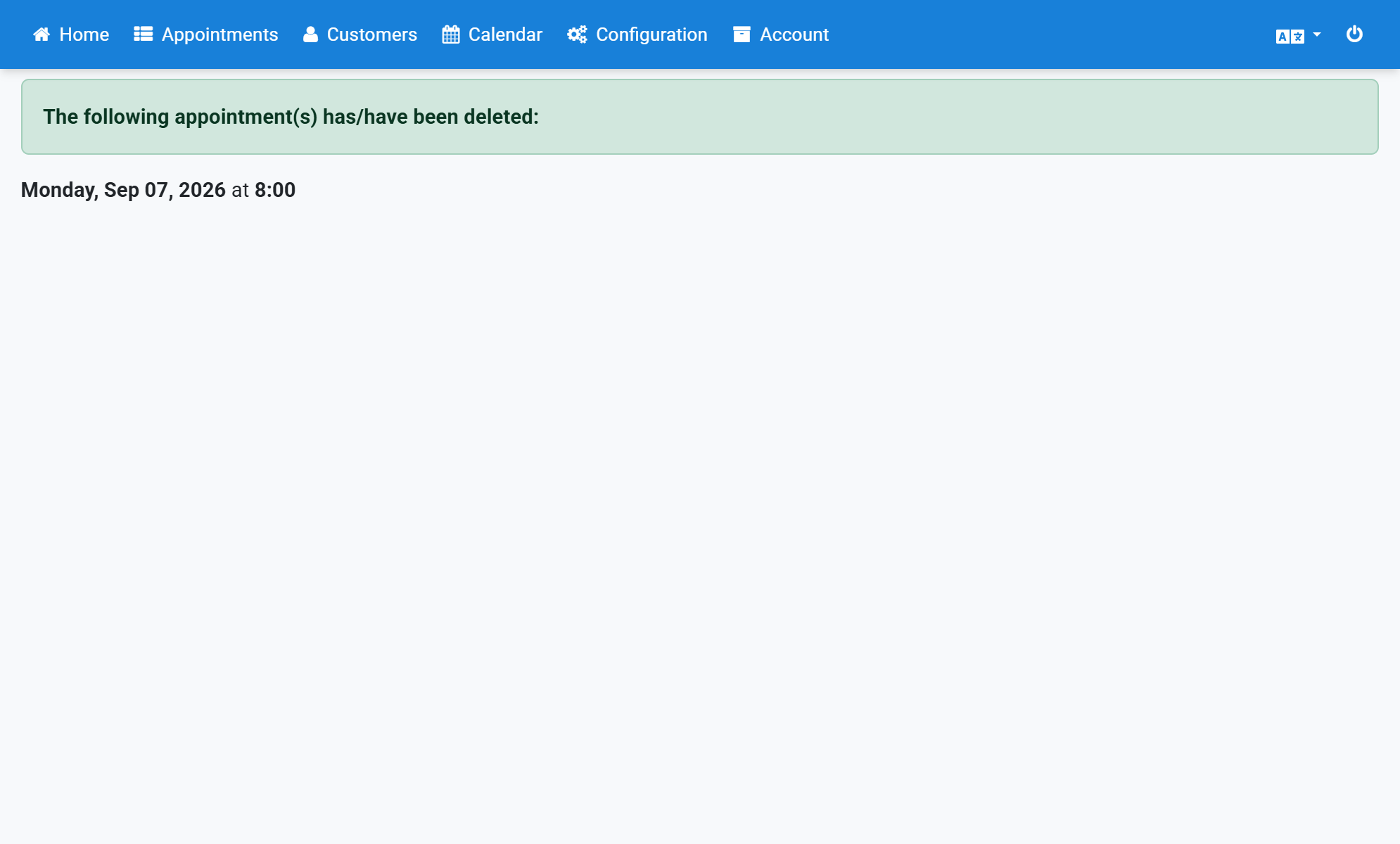
- Finally you receive a success message.
Screenshots
Click Appointments in the navigation bar
1
Click complete in the header of the appointment list
2
The appointments you are looking for are marked with the word Weekly
3
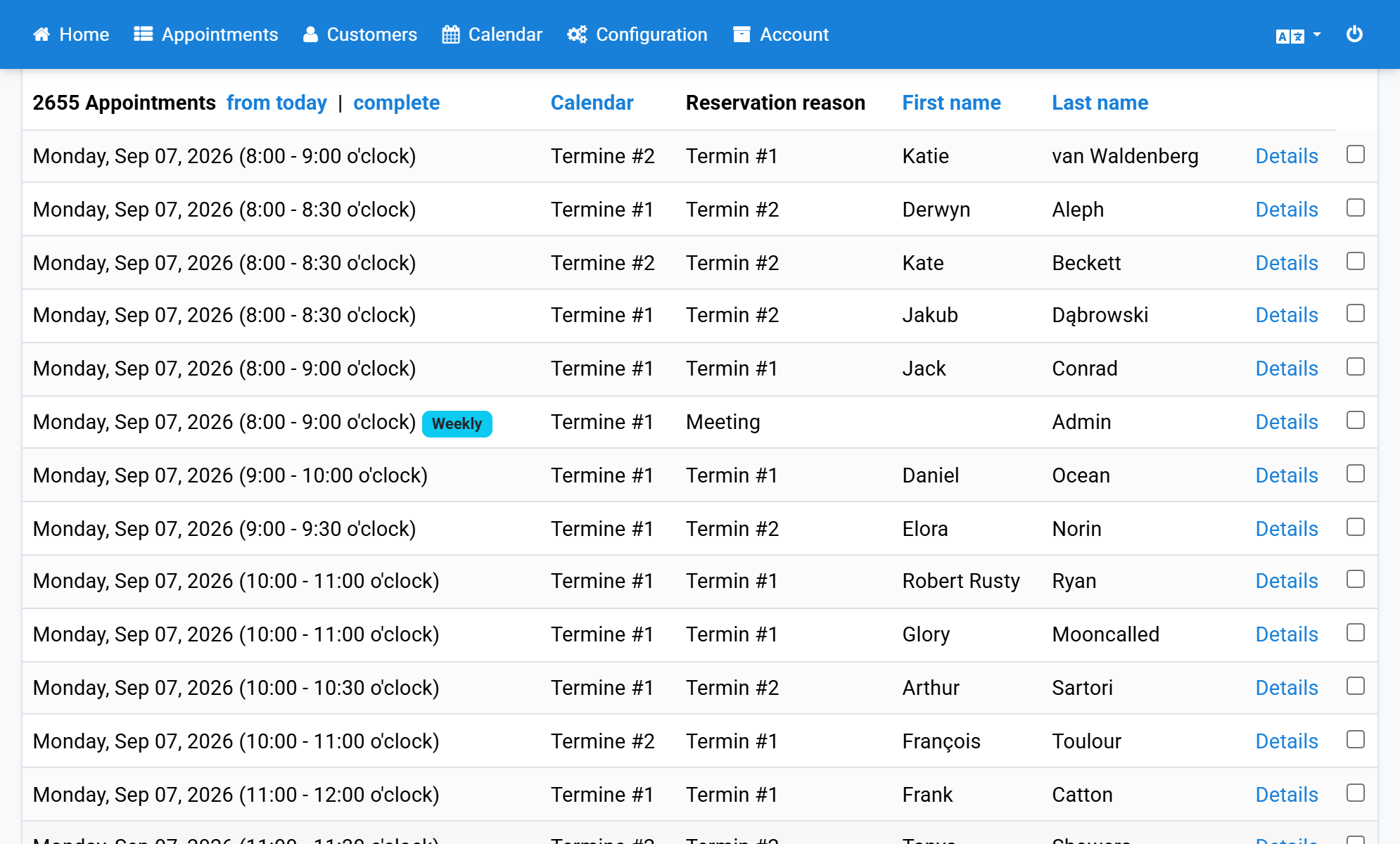
Select the appointments to delete by ticking the box on the right
4
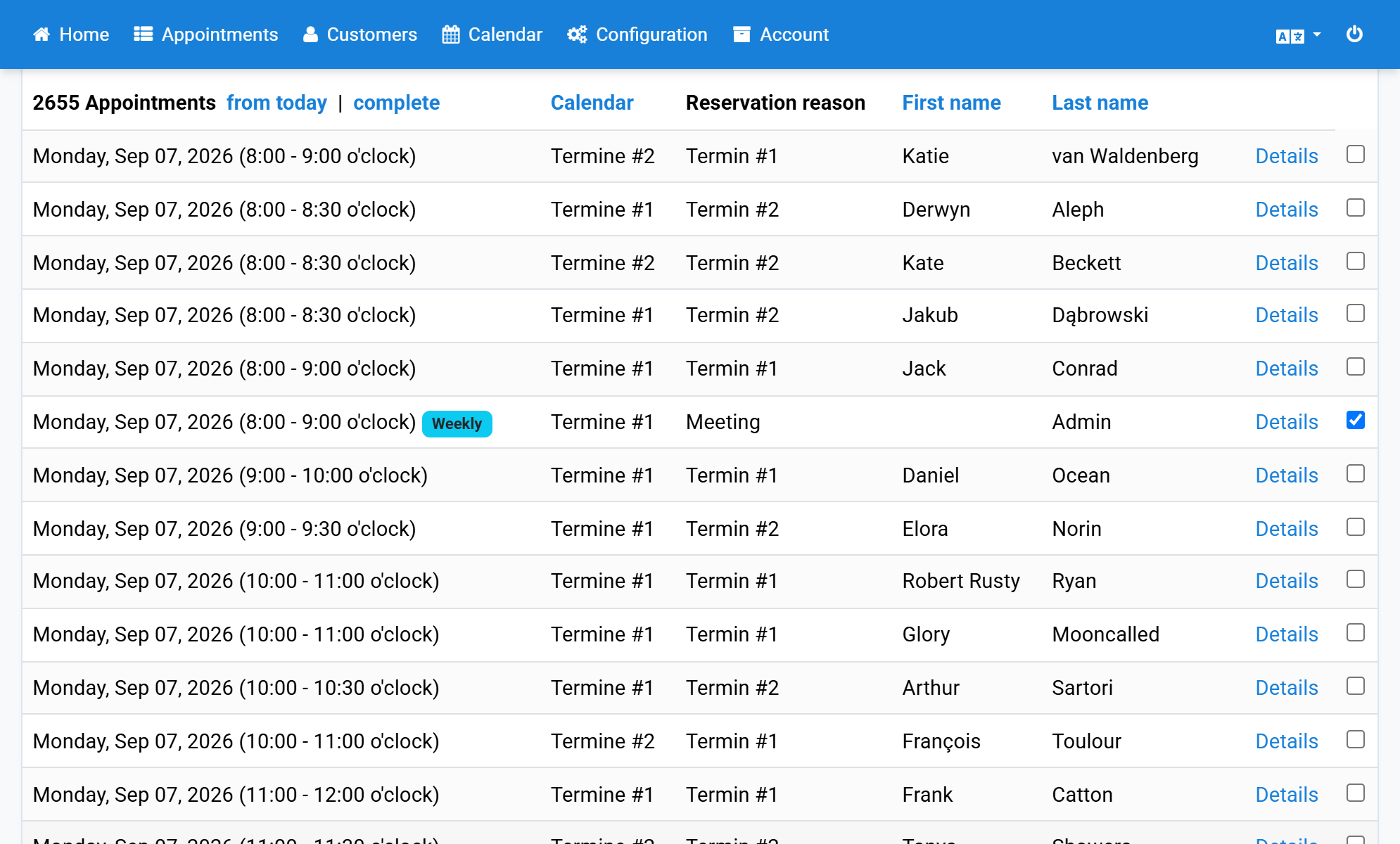
Scroll down to the very bottom and click Delete
5
Click Yes, I am sure
6
Finally you receive a success message
7