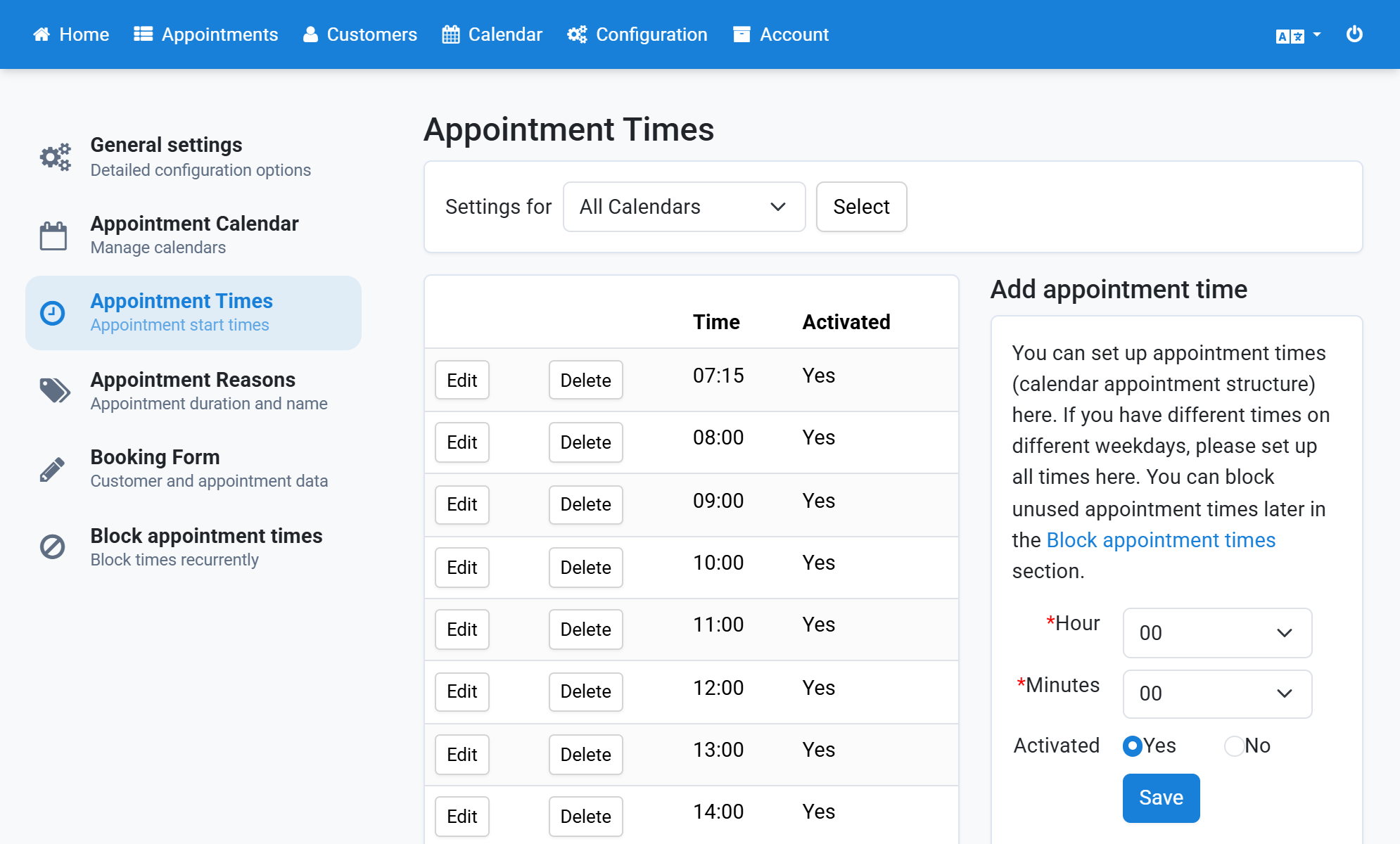
Configure Appointment Times
Appointment times define the start times of the appointments in your calendar. Set up every start time you want to offer your customers.
- Click Configuration in the navigation bar.
- Click Appointment Times in the subnavigation bar.
- Select the hour at which the appointment starts.
- Select the minutes at which the appointment starts.
- Click Save.
- The appointment time now appears in the list.
Screenshots
Click Configuration in the navigation bar
1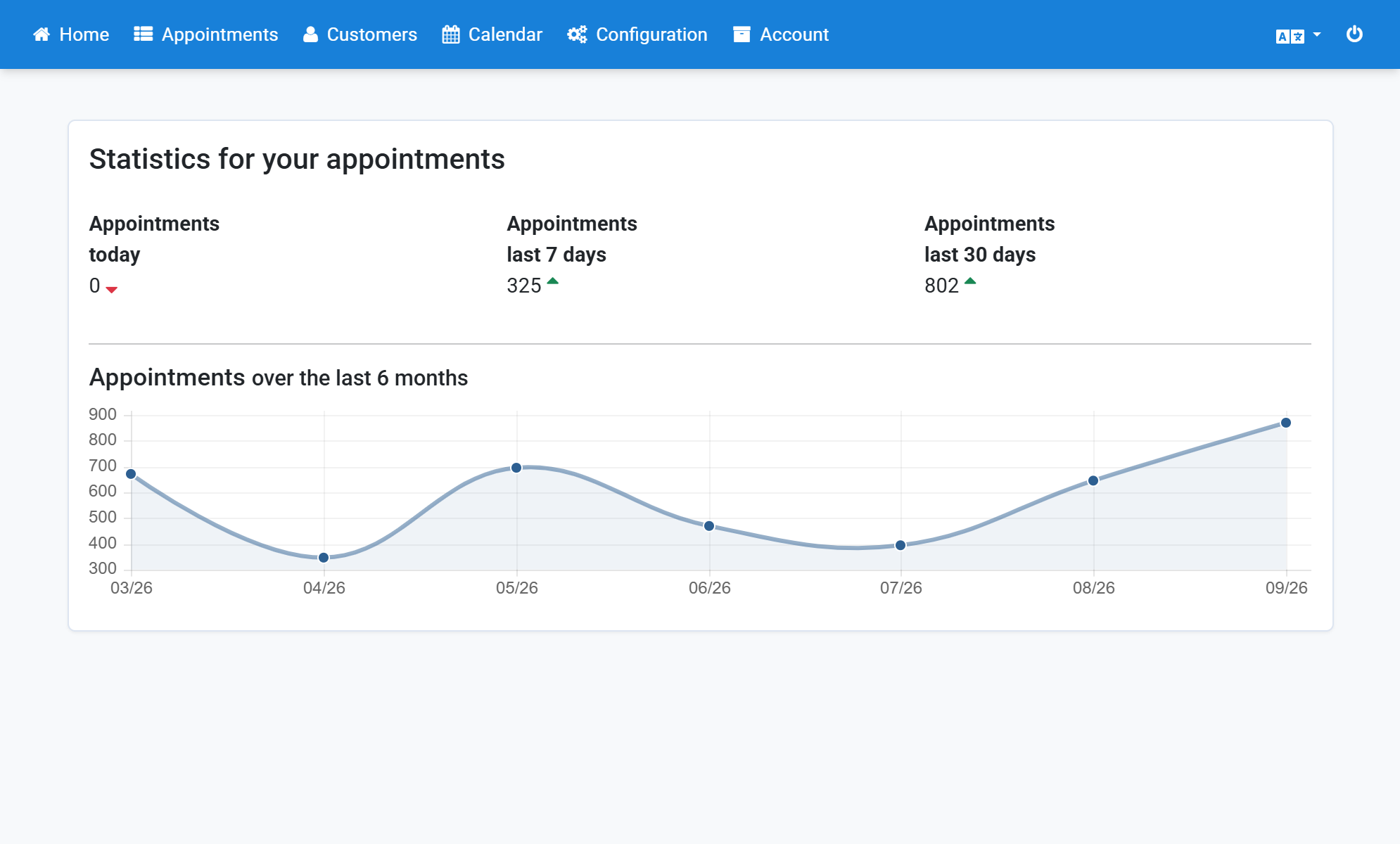
Click Appointment Times in the subnavigation bar
2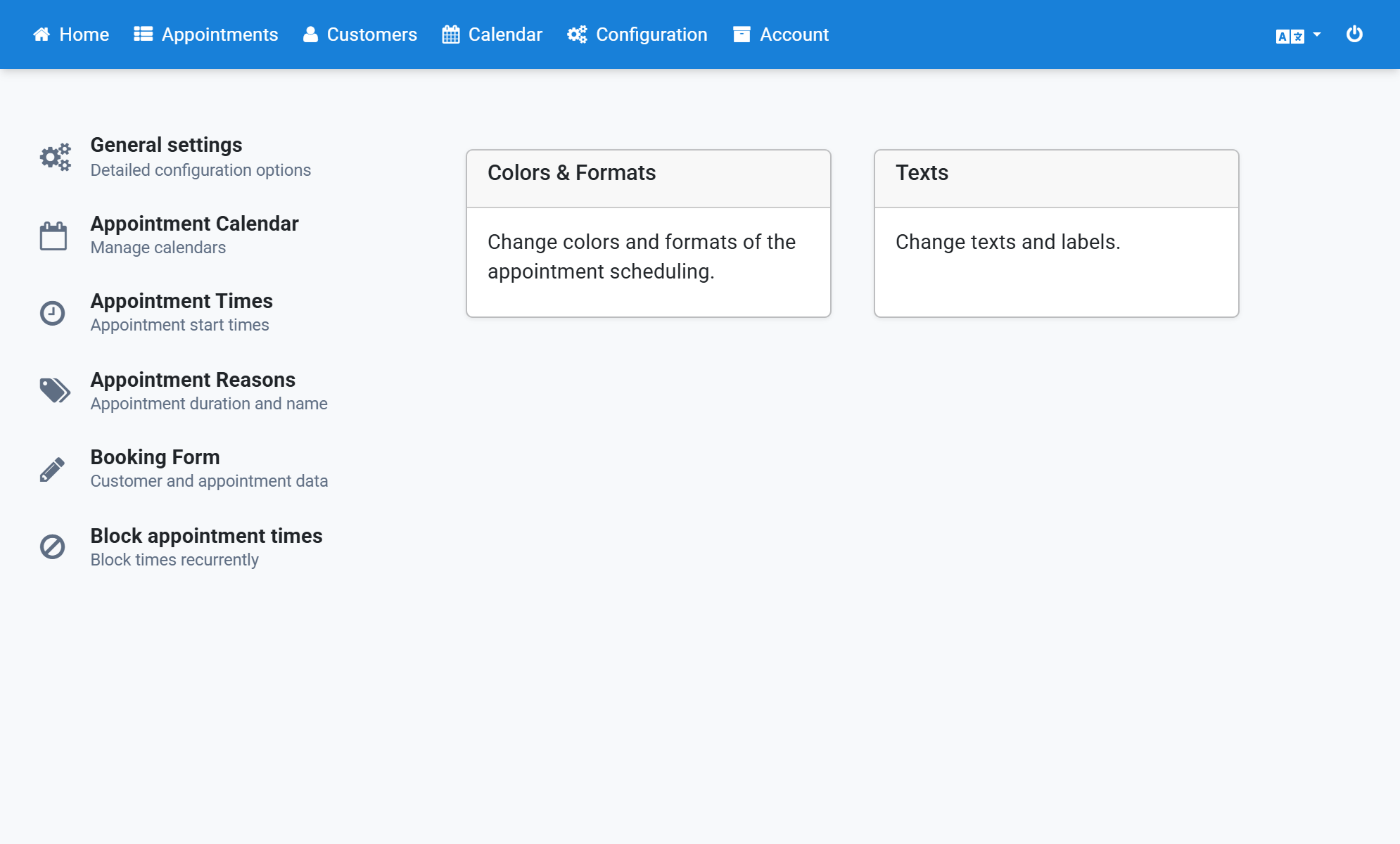
Select the hour at which the appointment starts
3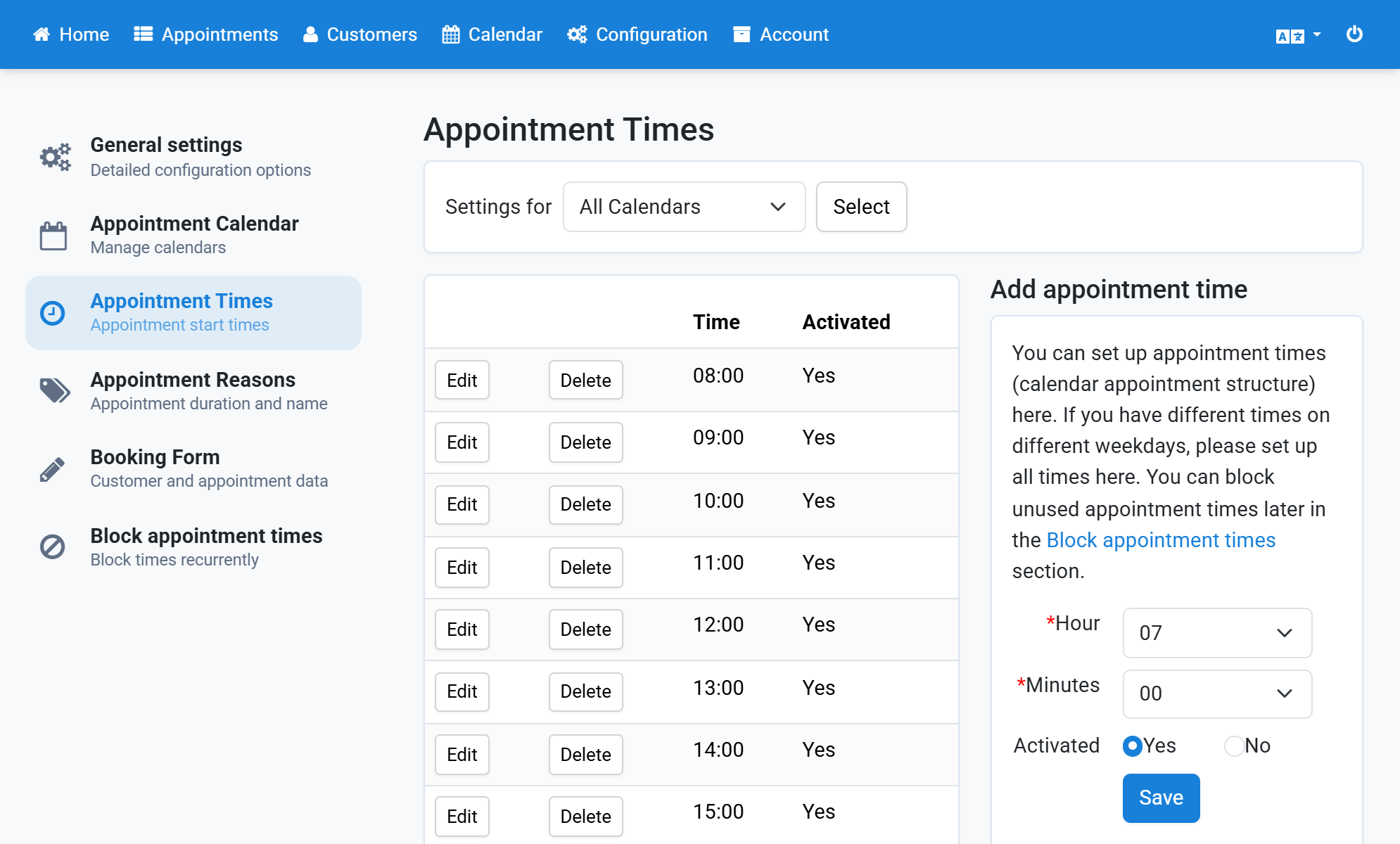
Select the minutes at which the appointment starts
4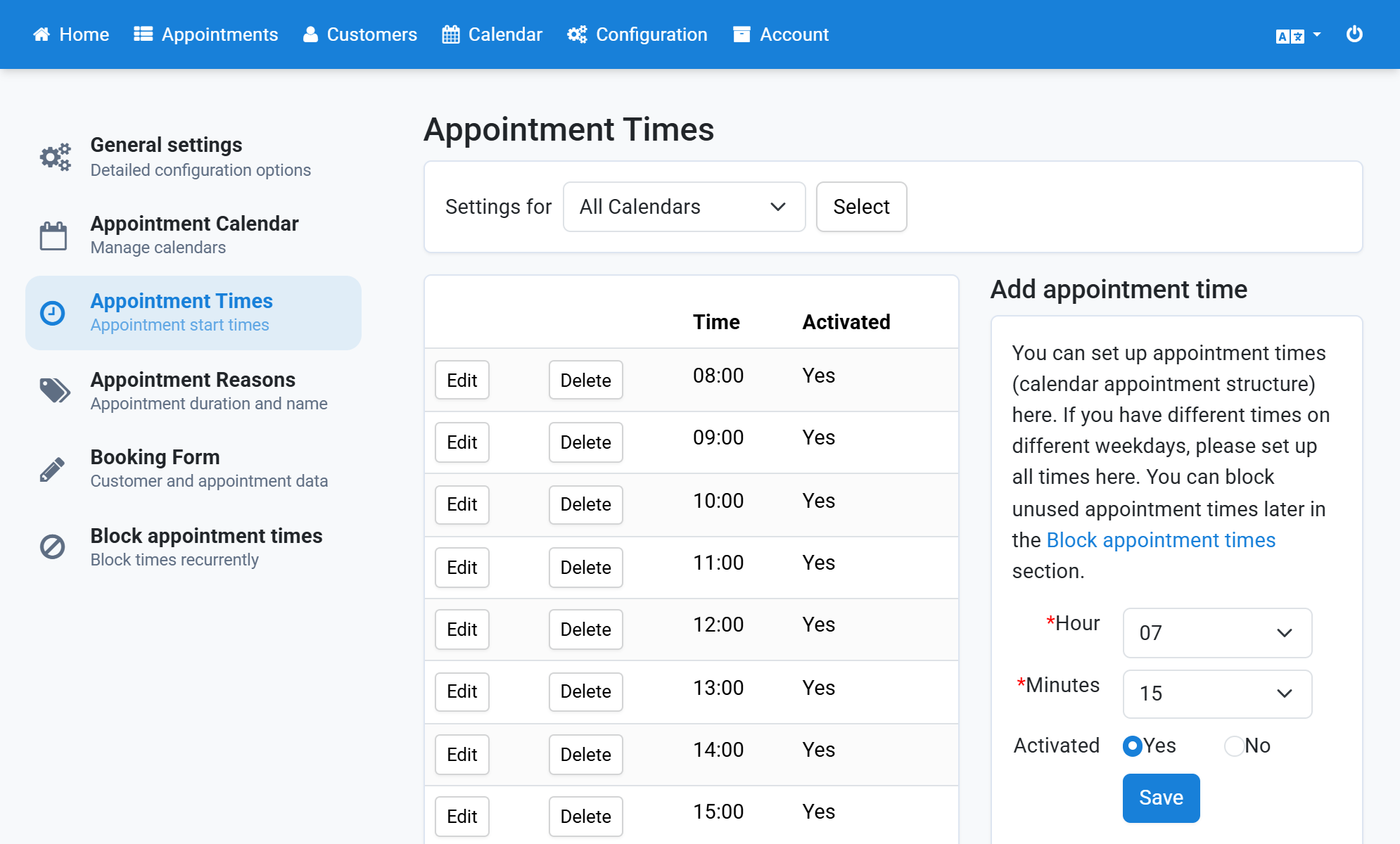
Click Save
5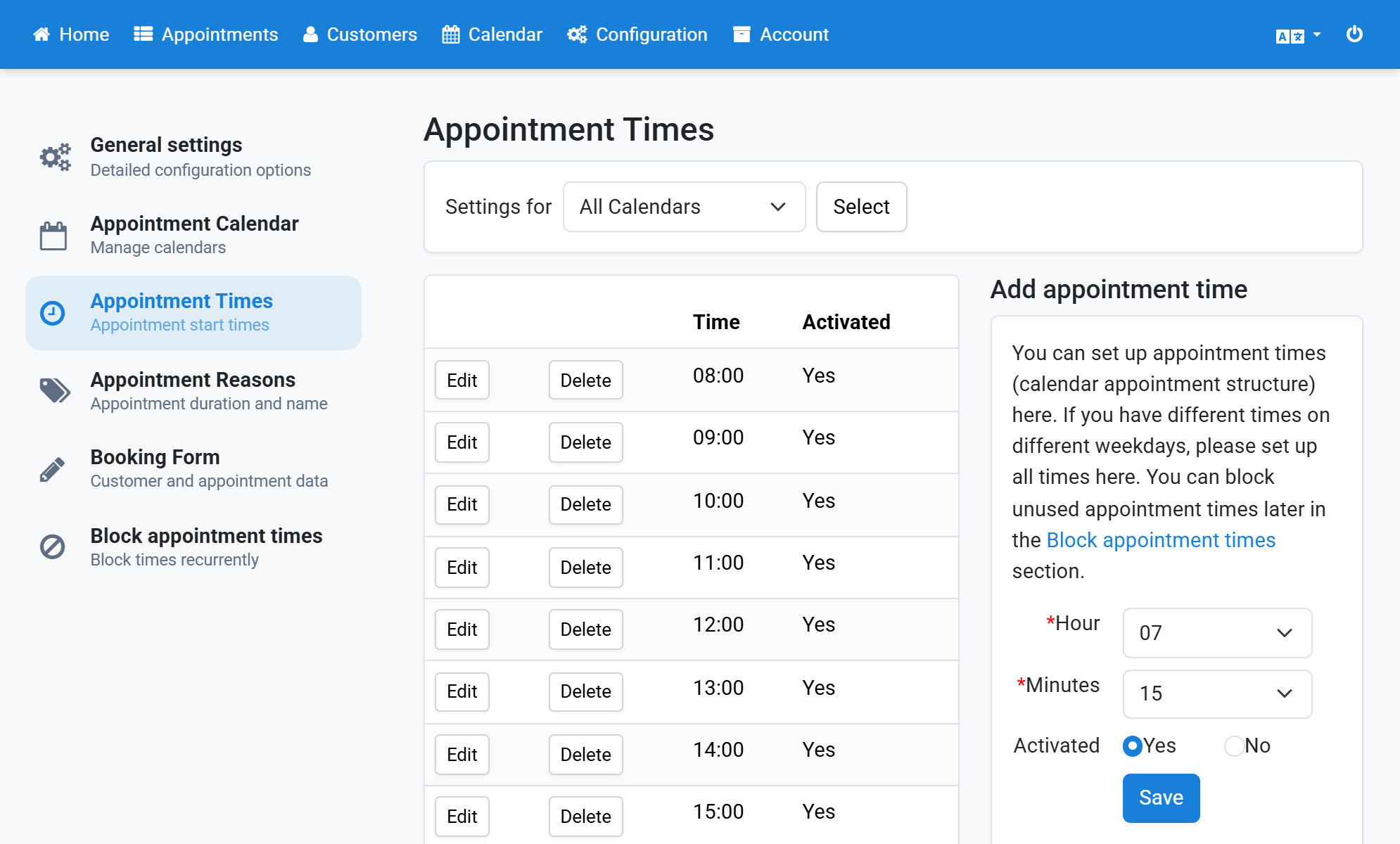
The appointment time now appears in the list
6